
Send Realworks forms with Docusign
Connect a supported Australian Docusign account to send forms for electronic signing, or request a Docusign subscription through Realworks. Activation is per user.
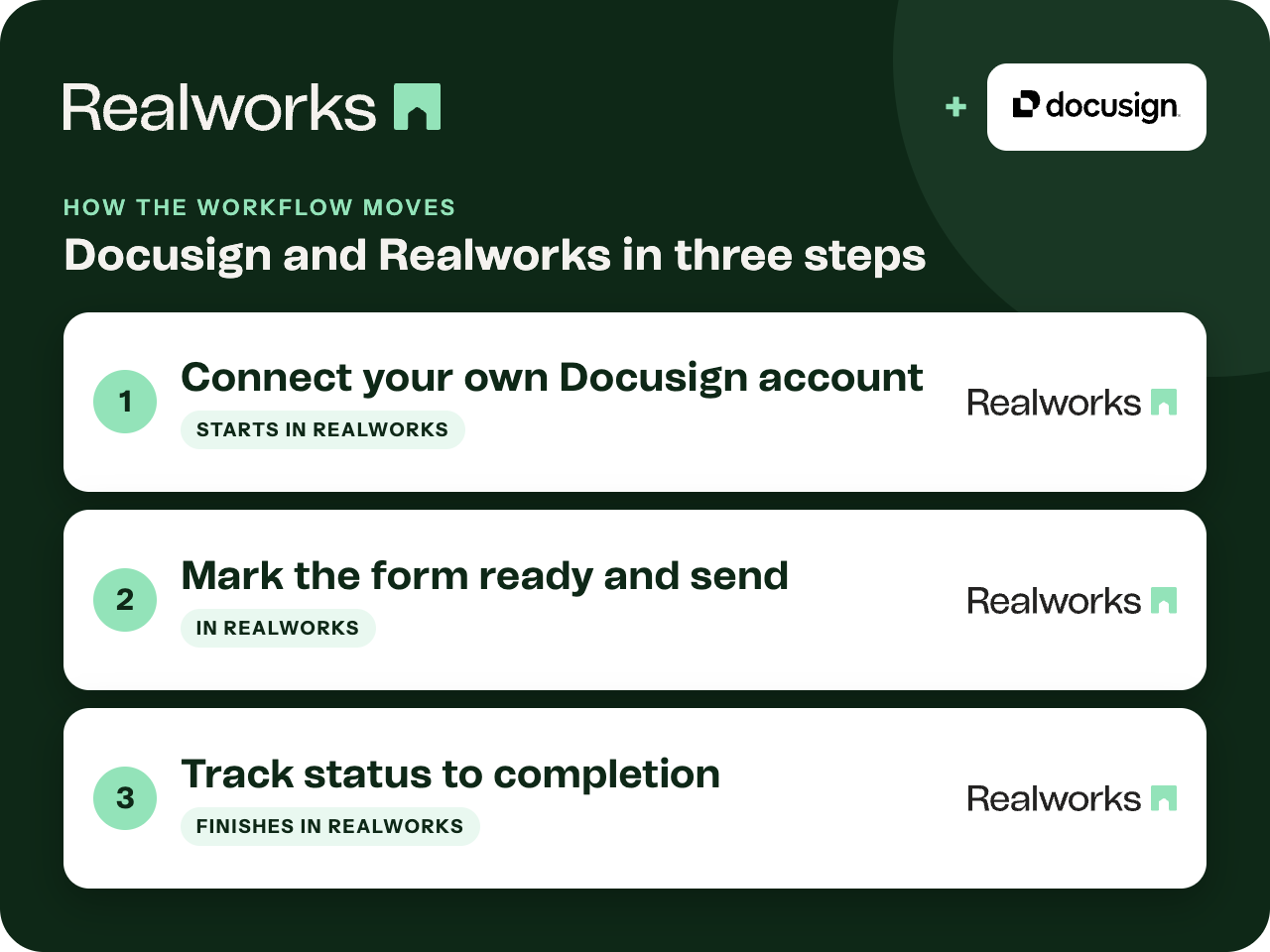
Where the workflow starts
Connect your own Docusign account
Open the Integrations page from the left-hand menu in Realworks, click Connect next to Docusign and sign in. Activation is per user, and only Australian Docusign accounts are currently supported.
Mark the form ready and send
From the form's actions menu choose Ready for signing, then Electronic signing. Signer details are prefilled from the form, and you can CC others to receive the executed contract.
Track status to completion
The Electronic Signatures panel shows each signatory's status. When complete, download links for the contract and the certificate of completion appear in the form.
Per user, with your own account or one through Realworks
Each user connects their own Docusign account. It can be an account you already hold, one migrated from the previous platform, or a Docusign subscription arranged through Realworks.
Subscribe to Docusign through Realworks
If you do not have Docusign yet, request a subscription through the Realworks contact form and the team will arrange it. Each user then activates Docusign from the Integrations page.
Request Docusign through RealworksChoosing between Docusign and Livesign
If Livesign is also active for your organisation, you choose which provider to use each time you send a document for signing. Before sending, check you have sufficient Docusign envelope credits.
Realworks does not sign
Realworks sends the form and tracks status. The signature itself is captured by Docusign.
Send a contract for electronic signingQuestions about this workflow
Can an administrator activate Docusign for everyone?
No. Docusign is activated by each individual user from the Integrations page.
Which Docusign accounts are supported?
Australian Docusign accounts. The Help guide notes that international accounts are planned.
Can I get Docusign through Realworks?
Yes. Request a Docusign subscription through the Realworks contact form. Once it is arranged, each user activates Docusign from the Integrations page in Realworks.
Work Smarter With Realworks
Save time and money. Realworks is your number one tool for seamlessly executing all the real estate forms, contracts and agreements essential to Queensland real estate offices.