
Prefill Realworks forms from Property Tree
Start a Realworks form from a tenancy in Property Tree, with the details you already hold carried across. The finished PDF returns to Property Tree.
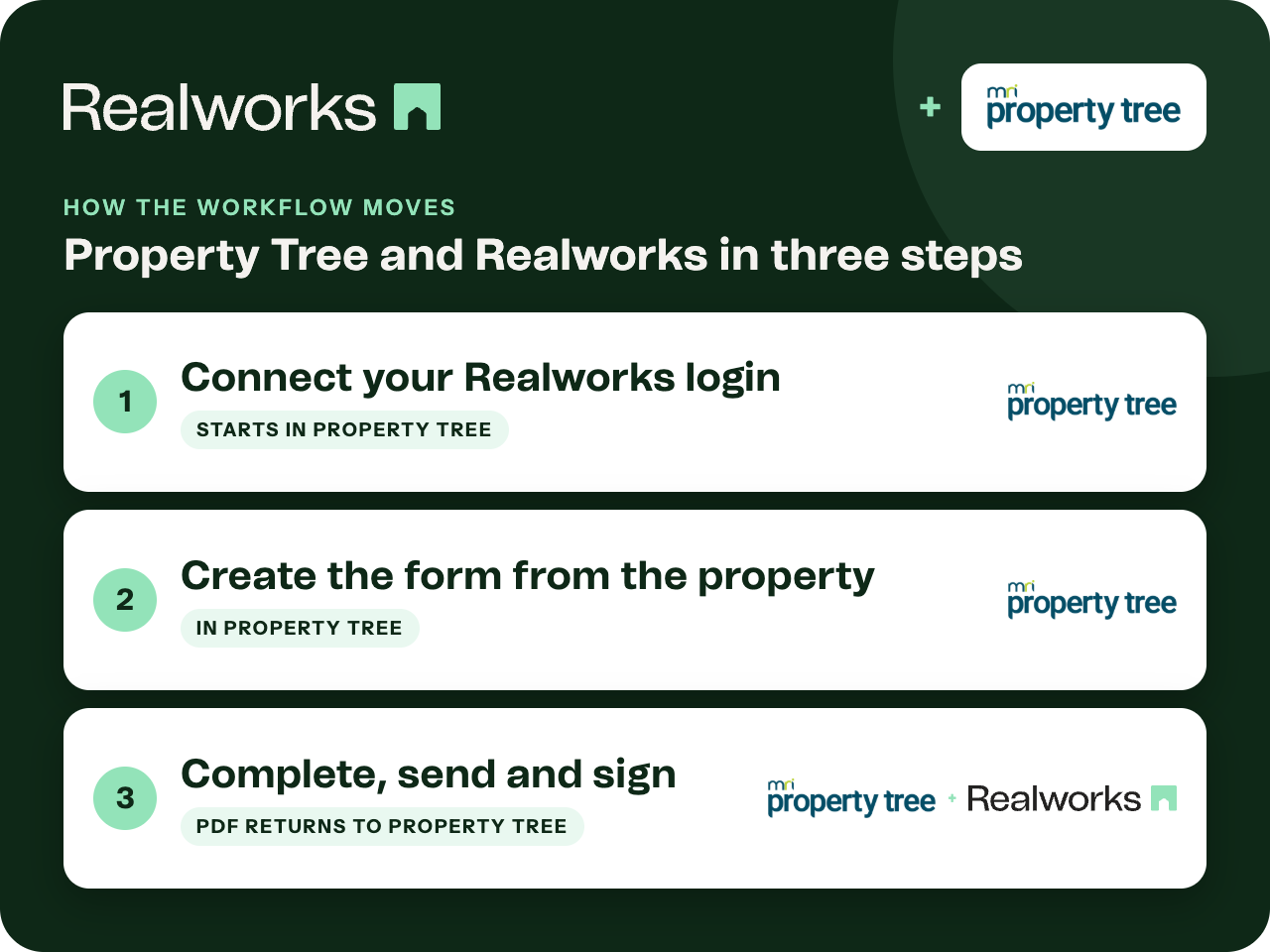
Where the workflow starts
Connect your Realworks login
In Property Tree, open Configuration (the cog icon), find Realworks and sign in with your Realworks email and password. If you belong to more than one Realworks organisation, select the one to link.
Create the form from the property
Select the property, open the Integrations tab, click the plus button and choose the form. Tick 'Pre-populate form using selected profile' to carry tenant details, rent amounts, bond and more into the form.
Complete, send and sign
The form opens in Realworks ready to complete and send for signing. When it is completed by electronic or offline signing, the PDF is uploaded to Property Tree.
Connected per user
Each Property Tree user connects with their own Realworks login, so forms are created under the right agent and organisation.
Prefill is optional
Leave the pre-populate option unticked to start from a blank form for the property.
Property Tree integration guideThe executed PDF returns to Property Tree
Realworks handles completion and signing. Once the form is finished, whether signed electronically or offline, the completed PDF is uploaded to the property in Property Tree.
Ready to send it for signing?
Send the finished form for electronic signing with Livesign or Docusign and track every signature in Realworks.
Explore electronic signingQuestions about this workflow
Is the connection per user or per office?
Per user. Each person connects from Configuration in Property Tree with their own Realworks login.
What details are prefilled?
With the pre-populate option ticked, tenant details, rent amounts, bond and more are carried into the form from the selected profile.
Does the signed form go back to Property Tree?
Yes. When the form is completed via electronic or offline signing, the completed PDF is uploaded to Property Tree.
Work Smarter With Realworks
Save time and money. Realworks is your number one tool for seamlessly executing all the real estate forms, contracts and agreements essential to Queensland real estate offices.