
Generate Realworks forms from PropertyMe
Start in PropertyMe, generate the Realworks form you need from a property or tenancy, and save the completed PDF back to PropertyMe.
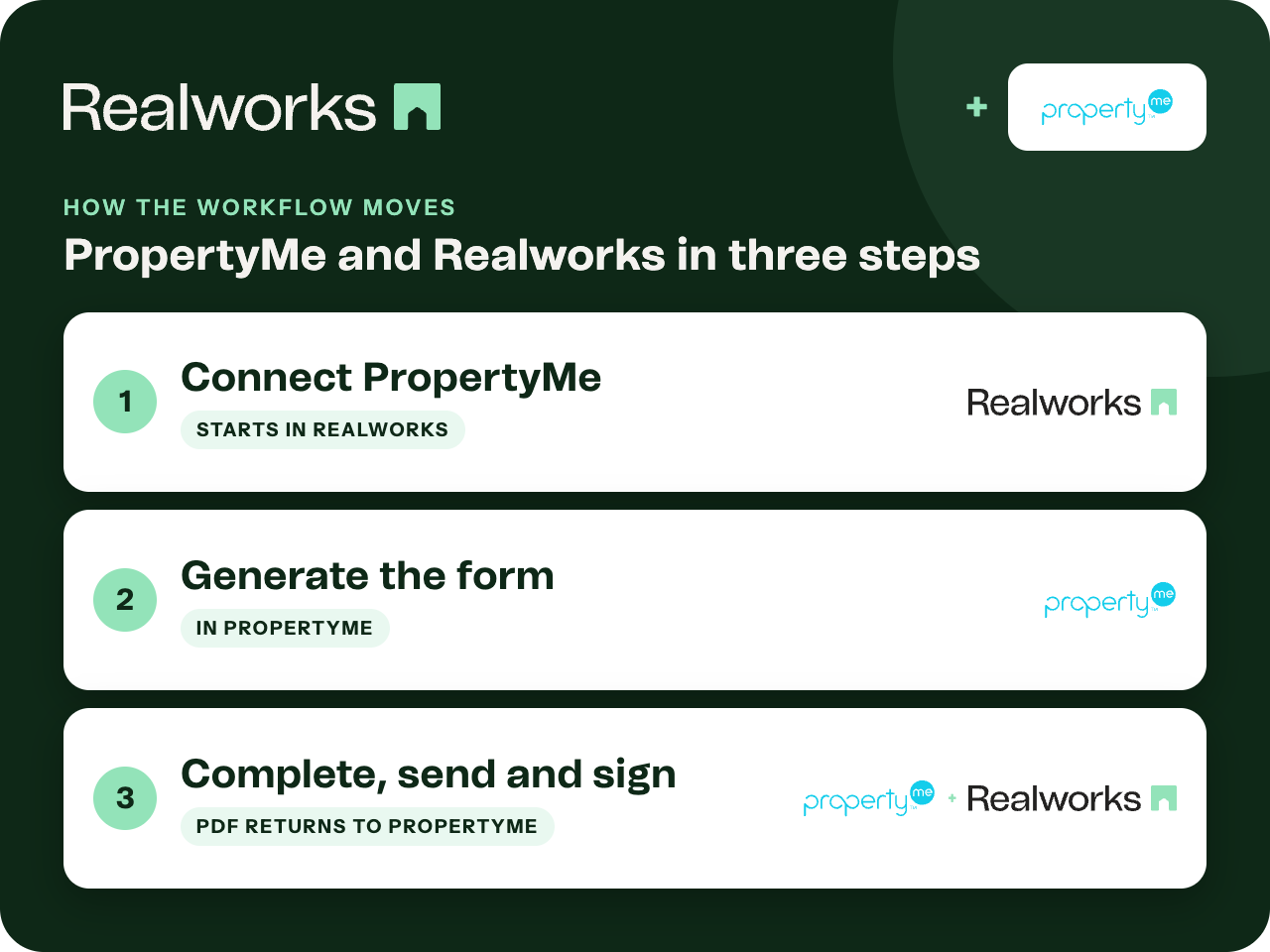
Where the workflow starts
Connect PropertyMe
An administrator opens the Integrations page in the left-hand Realworks menu, clicks Connect next to PropertyMe, logs in with your PropertyMe username and password and selects the portfolio to link. If PropertyMe is still connected to the previous Realworks platform, disconnect that first.
Generate the form in PropertyMe
Open the property, select the folio, choose the form from the drop-down list and click Generate Editable Link. A notification link opens the form in Realworks.
Complete, send and sign
Work through the form in Realworks as usual, including electronic signing. When it is executed, the completed PDF is saved to the property's documents in PropertyMe.
One connection for the whole organisation
PropertyMe is activated at organisation level, so every user in your Realworks organisation can generate forms from the linked portfolio without connecting individually.
Still connected to the previous platform?
If PropertyMe is still linked to the previous Realworks platform, disconnect that connection before connecting the new one. The Help guide links to PropertyMe's instructions, and reminds you to update any existing message templates afterwards.
PropertyMe integration guideWhere the finished document lives
Realworks is where the form is completed and signed. On completion the PDF is saved back to PropertyMe, so the property record holds the executed document.
Ready to send it for signing?
Send the finished form for electronic signing with Livesign or Docusign and track every signature in Realworks.
Explore electronic signingQuestions about this workflow
Who connects PropertyMe?
An administrator connects it once from the Integrations page in Realworks, using your PropertyMe login and choosing the portfolio to link. It is then available to all users in the organisation.
Where do I start a form?
In PropertyMe. Open the property and folio, choose the form and generate an editable link. The form opens in Realworks.
Does the signed PDF go back to PropertyMe?
Yes. On completion or execution, the completed PDF is saved in the property's documents in PropertyMe.
Work Smarter With Realworks
Save time and money. Realworks is your number one tool for seamlessly executing all the real estate forms, contracts and agreements essential to Queensland real estate offices.