
Prefill Realworks forms with your Reapit Sales data
Bring vendor, purchaser and property details into Realworks from a matching Reapit Sales record, formerly Agentbox, before you complete, send and sign.
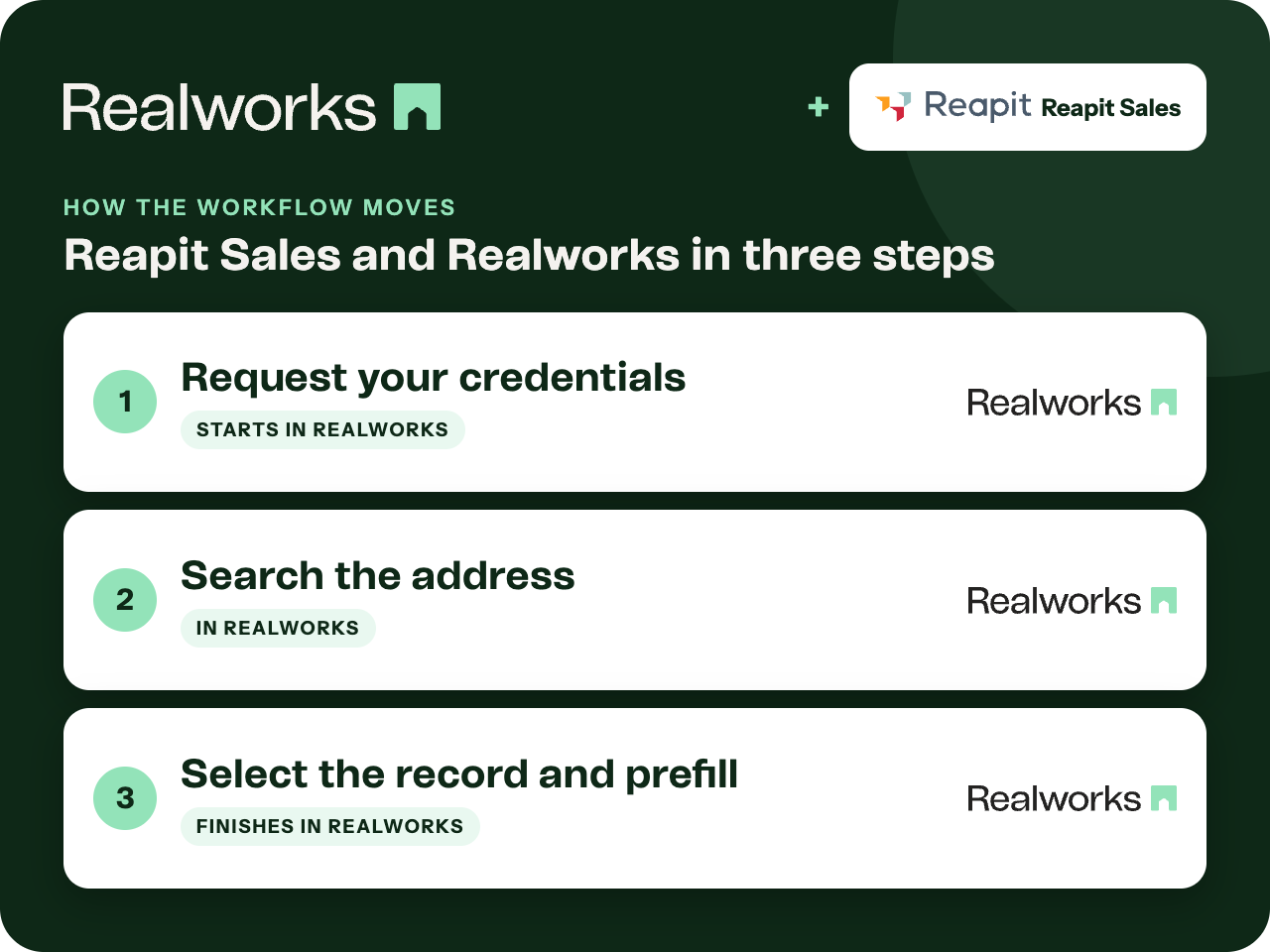
Where the workflow starts
Request your credentials
An agency administrator requests a Client ID and API key from REIQ, who arranges it with Reapit. Enter them on the Integrations page in Realworks and click Connect next to Reapit Sales.
Search the address
Create a form and select the address. Tick the Reapit Sales search option and click Next to see matching records: vendors, purchasers, the assigned agent, listing type and status.
Select the record and prefill
Tick the record you need and click Next. Vendor details, purchaser details and property details are populated into the form, ready to complete, send and sign.
Organisation-level connection
One set of credentials connects Reapit Sales for the organisation. Credentials come from REIQ rather than being generated in Realworks.
No matching record?
Click Skip at the record step to continue without prefill.
Reapit Sales integration guideWhere the completed form lives
Reapit Sales is the current name for Agentbox, and the Realworks Help guide is titled Reapit Sales (Agentbox). The guide covers connecting and prefilling forms in Realworks. It does not describe the finished form being sent back to Reapit Sales, so it is kept in Realworks.
Ready to send it for signing?
Send the finished contract for electronic signing with Livesign or Docusign and track every signature in Realworks.
Explore electronic signingQuestions about this workflow
Who sets up Reapit Sales?
An agency administrator, using a Client ID and API key requested from REIQ.
What is prefilled?
Vendor, purchaser and property details from the selected Reapit Sales record.
Does the completed form go back to Reapit Sales?
The Help guide does not describe the completed form being sent back to Reapit Sales. It is kept in Realworks.
Work Smarter With Realworks
Save time and money. Realworks is your number one tool for seamlessly executing all the real estate forms, contracts and agreements essential to Queensland real estate offices.