
Create Realworks forms from a tenant record in REI Cloud
Start in REI Cloud, authorise your Realworks account through My Agency Edge, then select a tenant and generate a form. The selected form opens in Realworks for completion.
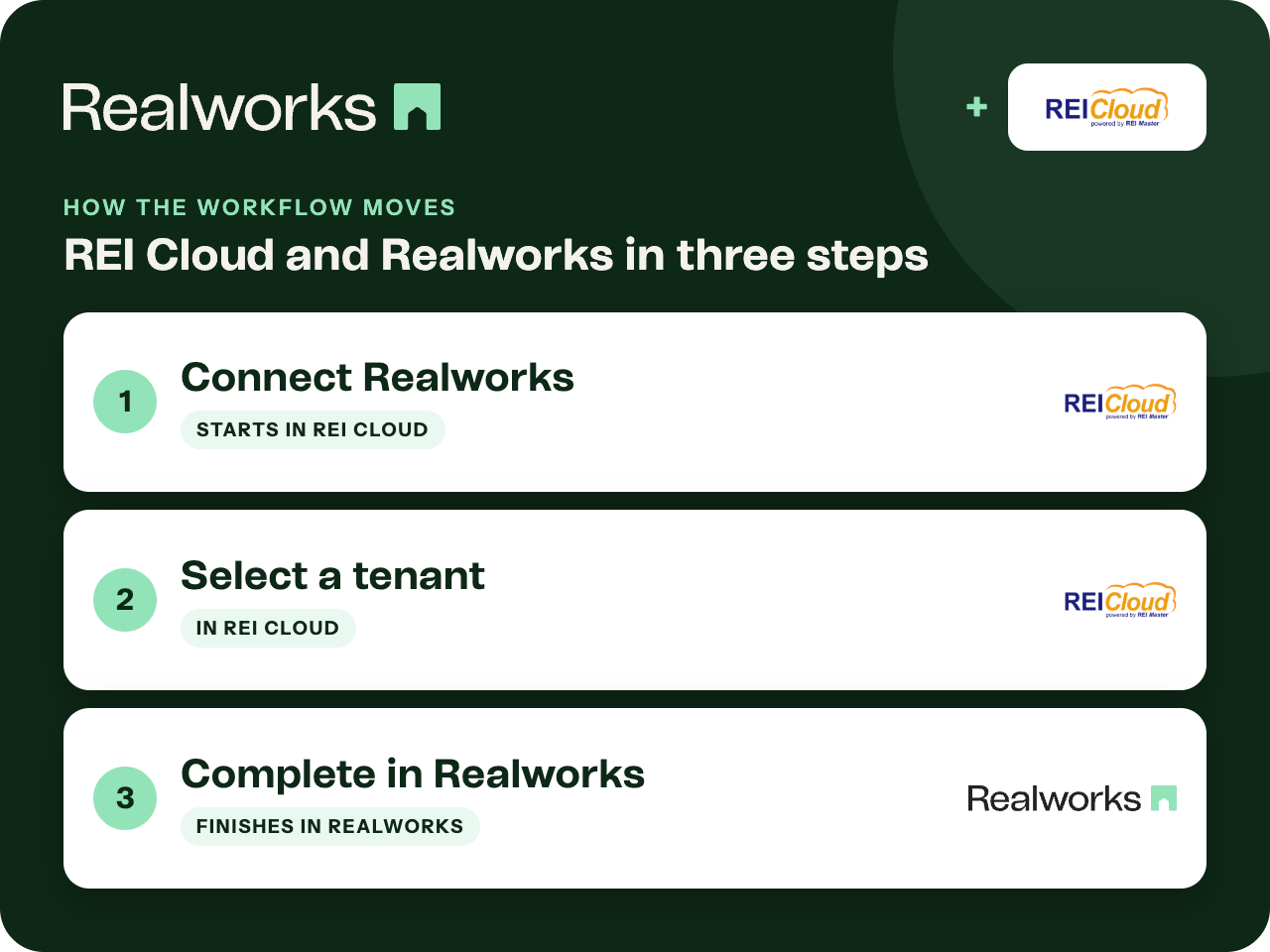
Where the workflow starts
Connect Realworks
In REI Cloud, go to Settings, Integrations, Forms, Realworks. Sign in with My Agency Edge to authorise the connection.
Select a tenant
Open the tenant record and choose Generate a form. Search or filter the form list to find the one you need.
Complete in Realworks
The selected form opens in Realworks with the tenant details carried across, ready to complete, send and sign.
One connection, per office
Authorisation is handled through My Agency Edge, the Realworks account hub. The Help guide documents both connecting and disconnecting from the same REI Cloud settings screen.
What moves across
Tenant details from the selected REI Cloud record prefill the Realworks form.
Connect Realworks to REI Cloud (Help)Where the completed form lives
The form opens and is completed in Realworks, where you send it for signing and track it through to completion. The Help guide covers connecting, disconnecting and generating forms for a tenant; it does not describe the finished form being sent back to REI Cloud.
Ready to send it for signing?
Send the finished form for electronic signing with Livesign or Docusign and track every signature in Realworks.
Explore electronic signingQuestions about this workflow
Which forms can I generate from REI Cloud?
The form list in REI Cloud is searchable and filterable, so you can find the form you need for the tenant. The Help guide shows the steps.
Does the completed form go back to REI Cloud?
The Help guide covers generating and opening forms in Realworks. It does not describe the completed form being sent back to REI Cloud, so it is kept in Realworks.
How do I disconnect?
Use the same Settings, Integrations, Forms, Realworks screen in REI Cloud.
Work Smarter With Realworks
Save time and money. Realworks is your number one tool for seamlessly executing all the real estate forms, contracts and agreements essential to Queensland real estate offices.