
Generate Realworks forms from MRI Vault
Start Realworks forms from MRI Vault, formerly Vault RE. Once completed or electronically signed, the PDF returns to the property's Filing Cabinet.
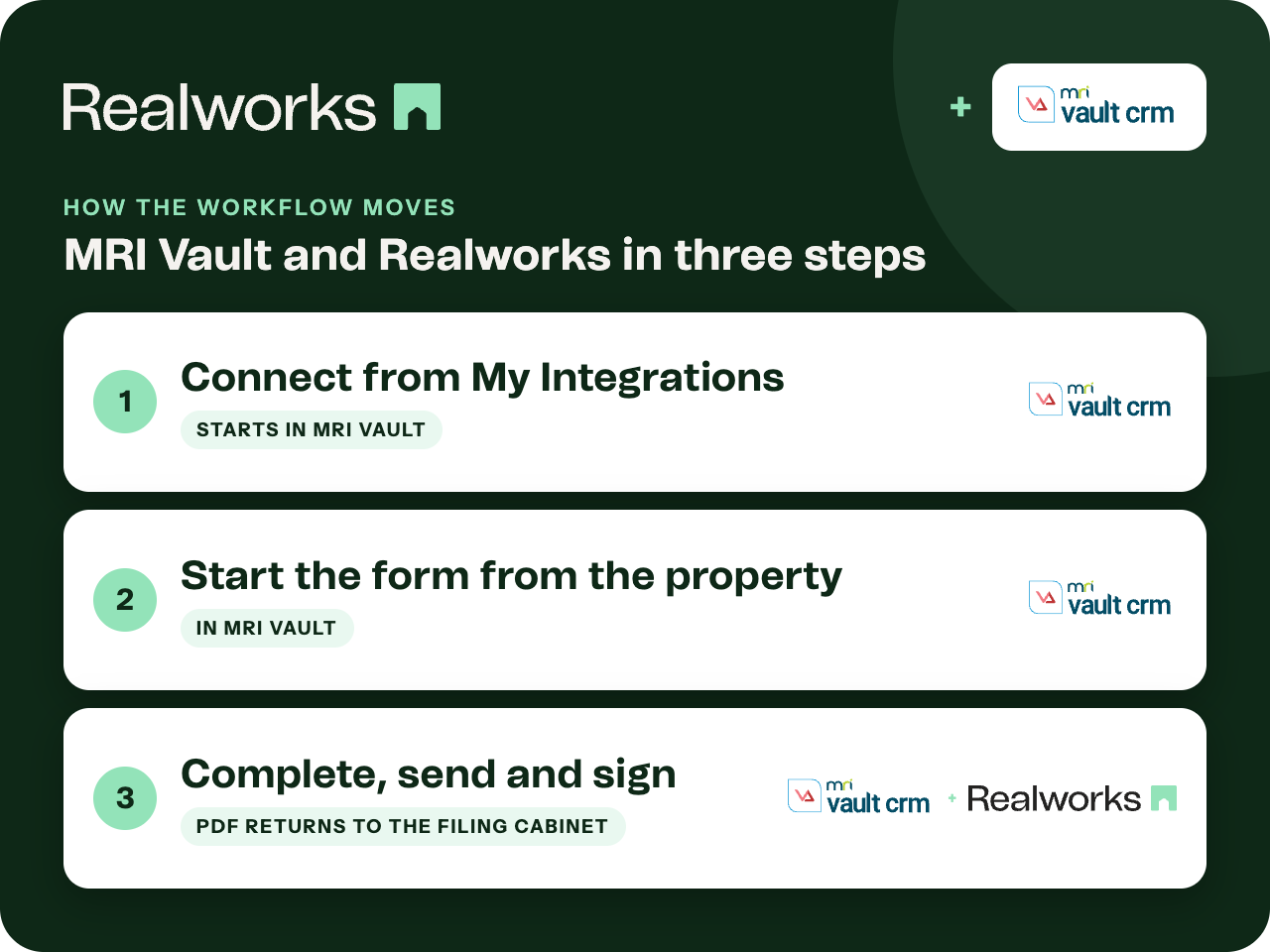
Where the workflow starts
Connect from My Integrations
On the Vault dashboard open My Integrations and select Realworks New. Sign in with your Realworks login if prompted and choose your team.
Start the form from the property
Select a property, then choose Other and Realworks New. Pick the form from the categories and click Open Form. It appears in the Existing Forms panel; click Open to edit it in Realworks.
Complete, send and sign
Finish the form in Realworks, including electronic signing. Once completed or signed, the PDF is available in the property's Filing Cabinet in Vault.
Connected per user
Each user connects Realworks from their own Vault dashboard, so forms are created under the right agent and team.
Formerly Vault RE
MRI Vault is the current name for Vault RE. The Realworks Help guide and the in-app menu still use the earlier names, Vault RE and Realworks New.
MRI Vault integration guideThe completed PDF returns to the Filing Cabinet
Realworks is where the form is completed and signed. The executed PDF then lands in the Filing Cabinet for the property in Vault.
Ready to send it for signing?
Send the finished form for electronic signing with Livesign or Docusign and track every signature in Realworks.
Explore electronic signingQuestions about this workflow
Which menu do I use in Vault?
From a property, choose Other and then Realworks New.
Is the connection per user?
Yes. Each user connects from My Integrations on their own Vault dashboard.
Where does the signed PDF go?
To the Filing Cabinet section for the property in Vault, once the form is completed or electronically signed.
Work Smarter With Realworks
Save time and money. Realworks is your number one tool for seamlessly executing all the real estate forms, contracts and agreements essential to Queensland real estate offices.